Protect

Cybersecurity

Layered protection for devices, email and accounts, watched around the clock by people, not just software.

Service 02 of 07Always on
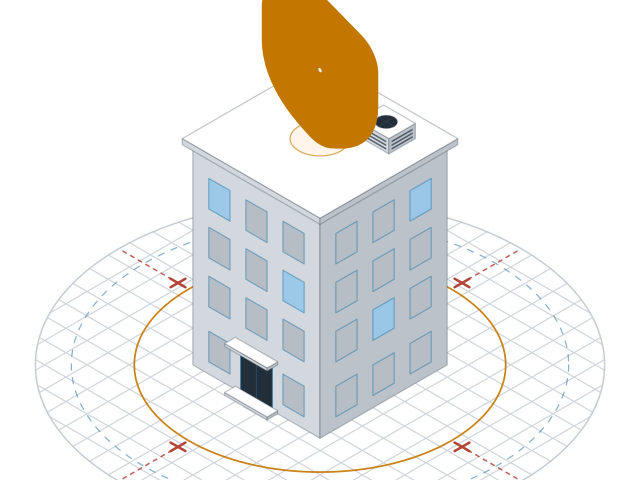
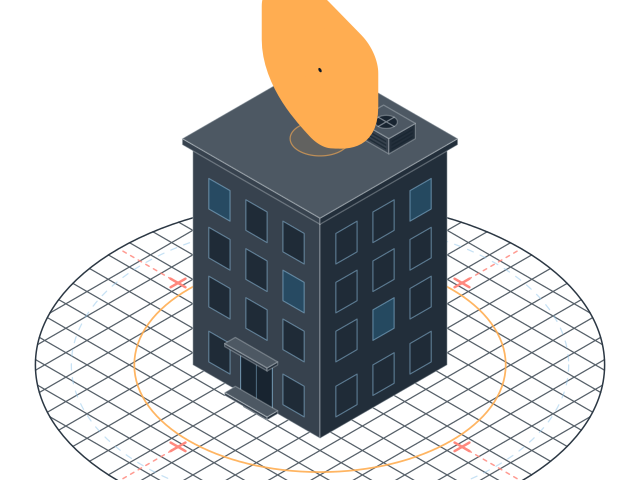
Office building inside a security perimeter with threats blocked Office building inside a security perimeter with threats blocked

What's included

  • 24/7 threat monitoringSomeone is watching when you are not
  • Email and phishing defenceBad links stopped before staff see them
  • Security trainingShort monthly lessons and practice phishing tests

Best for

Anyone holding client or patient data
How it works

Watched by people, day and night

Most break-ins at small businesses start with a stolen password or a fake email. So we start there: multi-factor sign-in on every account, email filtering that holds bad links and attachments, and patching that keeps devices up to date.

Every device runs protection that reports to our security team. Software flags the odd login or the strange program. A person looks at it, decides if it is real, and acts. That can mean isolating a laptop from the network at 3 a.m. before anyone at your office is awake.

Staff get a short lesson each month and the odd practice phishing email. People who click get a quick explainer, not a lecture. Over a few months, the click rate drops.

Each quarter you get a plain report: what we blocked, what we fixed, and what still needs a decision from you.

Questions

Questions about Cybersecurity

Will this help with cyber insurance?

Usually, yes. Insurers ask for multi-factor sign-in, backups, patching and training. We fill in the security part of the form with you and keep the proof on file.

What happens if something gets through?

We contain it first, by locking the account or cutting the device off the network. Then we clean up, find out how it got in, and tell you in plain words what happened.

Do practice phishing emails embarrass staff?

No. Results go to you as team numbers. Anyone who clicks gets a short lesson in private.

Our work

Where we've done this

Book your free check-up

We scan your network, devices and accounts, walk you through what we find, then talk options. It takes 30 minutes and there is no contract to look.

Fields are required unless marked optional.

Add your name so we know who to ask for.
Enter an email like name@company.com.
Pick how many people work with you.

Prototype form: nothing is sent yet.

Settings

Theme

System follows your device. Saved on this device.

Motion