Build

Cloud workspace

Microsoft 365 or Google Workspace: email, files and meetings set up properly, licensed right, and backed up.

Service 03 of 07Project
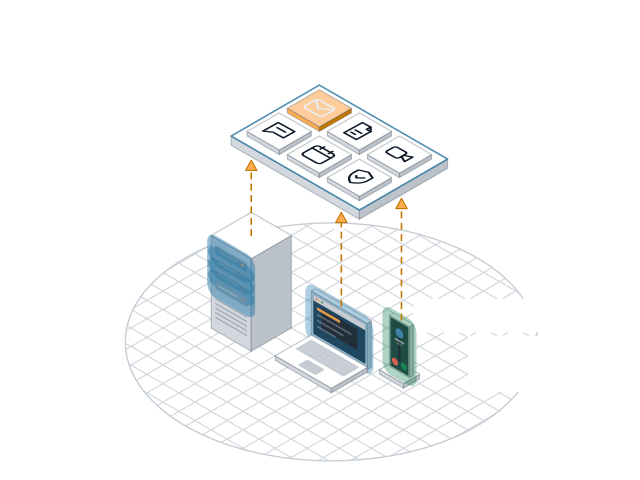
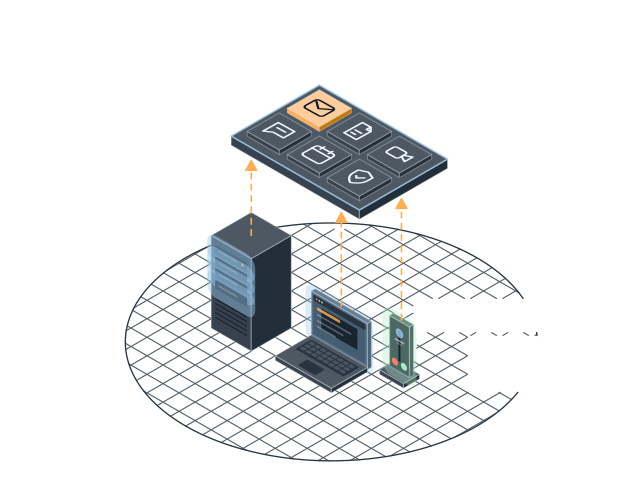
Server, laptop and phone syncing to a cloud workspace hub Server, laptop and phone syncing to a cloud workspace hub

What's included

  • MigrationsOff old servers, or between Microsoft and Google
  • Licence clean-upPay only for what you actually use
  • Files people can findSharePoint or Google shared drives, laid out clearly

Best for

Old servers, messy licences, or a mix of both
How it works

Set up once, set up right

Microsoft 365 and Google Workspace both work well. The trouble is usually how they were set up: shared passwords, files scattered across personal drives, and licences nobody remembers buying.

We start by mapping what you have: who uses which account, where the files live, and what you pay for. Then we tell you which platform fits and why. If you are already on the right one, we tidy it instead of moving you.

Moves happen over a weekend or after hours. Email, calendars and files come across, staff sign in on Monday, and we stay close for the first week to answer questions.

Afterwards, files sit in shared drives with clear folders and the right permissions. Every account has multi-factor sign-in, and everything is backed up outside Microsoft or Google.

Questions

Questions about Cloud workspace

Microsoft 365 or Google Workspace?

It depends on the apps your staff use every day. Heavy Excel and Outlook users usually stay with Microsoft. Teams that live in the browser often prefer Google. We lay out the trade-offs before you choose.

How long does a move take?

For a team of 25, about three to four weeks of planning and one weekend for the move itself.

Why back up Microsoft 365 or Google?

They keep the service running, not your data. A deleted folder or a ransomware attack on a synced drive can still lose files. Our backup keeps a separate copy.

Our work

Where we've done this

Book your free check-up

We scan your network, devices and accounts, walk you through what we find, then talk options. It takes 30 minutes and there is no contract to look.

Fields are required unless marked optional.

Add your name so we know who to ask for.
Enter an email like name@company.com.
Pick how many people work with you.

Prototype form: nothing is sent yet.

Settings

Theme

System follows your device. Saved on this device.

Motion